

- This article explains what a WhatsApp help desk is and how it lets an online travel agency (OTA) turn the WhatsApp chats that need follow-up into tickets linked to the right traveler, booking and team.
- It is written for OTA support and operations leaders.
- It also covers the files travelers send, which ones to keep or delete, and how to set up each department.
At 2 a.m. in Istanbul, a traveler who booked through your OTA sends three WhatsApp messages. The first says "money gone". The second is a screenshot of a bank debit with no booking confirmation. The third is a 40-second voice note recorded at the airport counter. The facts sit in the screenshot and the audio. A WhatsApp help desk is only useful if your agent can turn that chat into one ticket, with the right traveler, booking, files and team attached. Most setups get the first part right and lose the rest.
Why OTA WhatsApp Customer Service Breaks Down Without a WhatsApp Help Desk
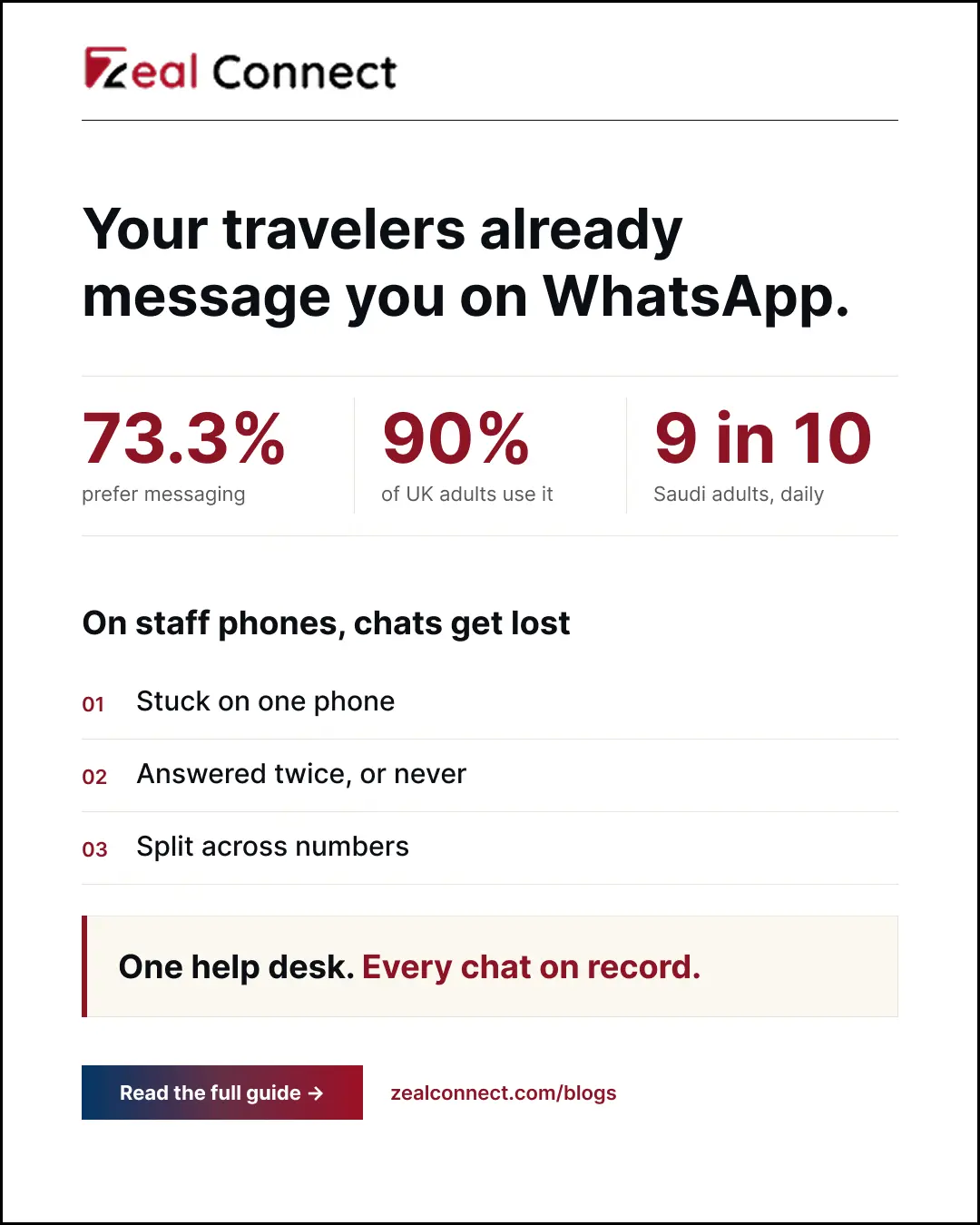
WhatsApp is now where many travelers expect to reach an OTA, and the volume quickly outgrows a few staff phones. Across 22 markets, a Kantar survey commissioned by Meta found that 73.3% of consumers prefer messaging when they contact a business (2025). The habit is strong in markets OTAs serve every day. According to Ofcom, 90% of UK adults use WhatsApp (2025), and nine in 10 Saudi adults use it daily (Asharq Al-Awsat, 2026).
What Travelers Send to an OTA's WhatsApp Customer Support
Travelers rarely send one tidy message. Instead, they send short bursts ("hi", "?", "still waiting"), bank screenshots, forwarded airline emails, hotel photos and voice notes. A traveler who can't find the transfer driver drops a location pin. Many write from abroad on hotel Wi-Fi, because a message costs less than a call. They also expect to follow the issue in the same thread. A Kantar survey of 500 Hong Kong adults found that 39% of those who prefer messaging said it makes enquiries and bookings easy to track (The Standard, 2024).
Where Untracked WhatsApp Customer Support Chats Lose the Request
Without a help desk, WhatsApp support lives on staff phones and a shared Business app. Chats stay with whoever saw them first, and files stay in one phone's gallery. Two agents answer the same traveler, or nobody does. Travel Weekly warned in 2026 that shared accounts produce duplicated and missed replies once a business handles hundreds of conversations. Spanish flight OTA Solutono runs WhatsApp across eight numbers, and the channel carries about half of its customer contact at peak. Without one shared record, nobody sees all eight lists at once.
What Is a WhatsApp Help Desk?
A WhatsApp help desk is support software connected to the WhatsApp Business Platform that brings every WhatsApp chat into one shared inbox, where agents create a ticket from any chat that needs follow-up. That ticket gets an owner, a status and a response target, and the agent replies from it while the traveler sees the reply on WhatsApp. For an OTA, though, "tracked" means more than a ticket number.
Four Things a Tracked WhatsApp Help Desk Ticket Carries
A tracked ticket answers four questions at a glance:
- Who is this? The WhatsApp number becomes a contact and is matched to the traveler's profile.
- Which booking? The booking reference sits on the ticket, so the agent sees the reservation.
- What did they send? Screenshots, PDFs and voice notes are stored in the ticket itself.
- Who owns it? One department and one agent hold the ticket, with a response clock running.
If a WhatsApp chat is missing any of these four, someone on your team still has to remember the rest.
WhatsApp Help Desk or WhatsApp API CRM: Which Record Does an OTA Need?
An OTA needs both records, linked together. A WhatsApp API CRM holds the contact: who the traveler is and how to reach them. The help desk holds the case: what went wrong, who is handling it and what your team promised. For support work, a help desk that creates contacts from WhatsApp covers most of the CRM job. Matching is the weak point. A traveler who booked with +44 7700 900123 may message from 07700 900123, or from a second phone. So store every number in one international format, and match on the booking reference when the number fails.
Key Terms Worth Knowing
A few terms come up throughout this article. Here is what each one means.
- WhatsApp Business Platform: The business version of WhatsApp, often called the WhatsApp API, that a help desk connects to. It lets many agents work one number from software.
- Customer service window: The 24 hours after a traveler's last message, when your team can send free-form replies and files. After that, you need a template Meta has approved in advance.
- Media ID: The reference WhatsApp gives a help desk for each file a traveler sends. The desk downloads the file with it, and it expires after 7 days.
- Contact record: The traveler profile a WhatsApp number is matched to, with name, other numbers, email and linked bookings.
- Department: A team inside the help desk, such as flights or refunds, with its own hours, agents, response targets and WhatsApp settings.
Files Are Half the Work on a WhatsApp Help Desk
On an OTA's WhatsApp, the screenshot, PDF or voice note often carries the whole request.
A debit screenshot proves the payment, and a forwarded airline email shows the schedule change. Each file type needs a rule. Keep debit screenshots and airline emails with the ticket, use passport photos and then delete them, and never keep a photo of a payment card.
Why Your WhatsApp Help Desk Needs Its Own Copy of Every File
WhatsApp does not keep files for your team. Under Meta's platform rules, a received file's media ID expires after 7 days, and each download link after 5 minutes. A desk that stores only a link therefore loses the screenshot within a week, often before a refund dispute ends. So a WhatsApp help desk should copy each file into the ticket as it arrives. Then the debit screenshot is still there when the payment provider replies three weeks later.
Card Photos and Passport Scans on a WhatsApp Help Desk
Some files should not stay in the ticket. Travelers sometimes send a photo of their payment card to "prove" a payment. PCI DSS, the card industry's security standard, does not ban receiving card data in chat. However, the PCI Security Standards Council says that if you do, that channel and its systems come into PCI DSS scope (2025). So delete the photo and send a secure payment link instead. Passport scans are needed to fix a name, so use them and then remove them. In the EU and UK, GDPR requires personal data to be limited to what is necessary and kept no longer than needed.
Sending WhatsApp Customer Support Media Replies From the Ticket
Media replies work in the other direction. Agents send e-tickets, hotel vouchers, invoices and refund receipts from the ticket, so the record shows which document went out and when. That record matters when a traveler says a voucher never arrived. Keep WhatsApp's limits in mind, too: documents such as PDFs can be up to 100 MB, but images are capped at 5 MB. So send vouchers as PDFs, not large photos.
Setting Up a WhatsApp Help Desk for OTA Customer Support by Department
Most OTAs already split support into teams: flights, hotels, packages, and payments and refunds. Each of those departments should own its WhatsApp settings. That way, the agent who sees the Istanbul chat creates a ticket on the payments desk, with the screenshot attached and a clear owner.
Not every chat needs that step. The table shows how an agent might sort a typical night of WhatsApp chats at an OTA.
Table: Which OTA WhatsApp chats need a ticket, and where they go
One WhatsApp Customer Service Number or One per Department?
Start with one number if travelers book one brand in one main market. A short menu or the booking type can then route each chat to the right department. Separate numbers make sense when you sell under several brands or in several countries, as Solutono does with eight.
Every WhatsApp number an OTA runs should feed one help desk and one contact list, however many brands or markets it serves.
If a number sits outside that help desk, a traveler who writes to two numbers ends up as two separate contacts.
What Each Department Sets on the WhatsApp Help Desk
Each department should control the settings that match its own work:
- Hours and away reply: a hotels desk open 08:00 to 22:00 local time tells late writers when it reopens.
- Assignment: round-robin, or the agent with the fewest open tickets.
- Response target: payments and on-trip issues usually need a tighter target than pre-trip questions.
- Fields to capture: booking reference, travel date and amount.
- File access: who can open stored ID documents.
UK operator Responsible Travel, for example, runs WhatsApp with its own UK team in office hours, so travelers know when to expect a reply.
What Does Zeal Desk Keep on Each WhatsApp Help Desk Ticket?
Zeal Desk is a help desk built for travel, and its WhatsApp channel covers the four parts of a tracked ticket. Every WhatsApp chat lands in one shared view, and an agent can create a ticket from a specific chat or from any single message, including one inside a WhatsApp group. The ticket opens linked to the traveler's contact. Booking data comes onto the ticket through the integration hub. Agents send every reply from the ticket, with text and media, so vouchers and e-tickets stay on record. WhatsApp settings work at organization and department level, and each Flight, Hotel or Transfer desk keeps its own SLA (service level agreement), hours and assignment. General-purpose help desks can do much of this, but booking fields and desk rules are usually custom setup there.
Conclusion
A WhatsApp help desk earns its place at an OTA when nothing about a chat depends on one person's phone. The traveler becomes a contact, the booking sits on the ticket, files follow a keep-or-delete rule, and one department owns the outcome. For the traveler in Istanbul, that means one ticket on the payments desk, the screenshot safe in the record, and an agent who never asks twice. To start, look at last week's WhatsApp chats. Count how many lived only on a phone, how many files never reached a ticket, and how many tickets had no booking reference. Then fix the biggest gap first: files, contacts or routing.
Frequently Asked Questions
Does every WhatsApp chat need to become a ticket?
No. Every WhatsApp chat should sit in the shared help desk inbox, so nothing lives only on a phone. A quick answer, such as a check-in time, can stay a chat. When a chat needs follow-up, such as a refund or a name change, the agent creates a ticket from it, so it gets an owner and a deadline.
Can the WhatsApp Business app work as a help desk for an OTA team?
Only for a very small team, such as a single agent. The free WhatsApp Business app runs on a few linked devices and has no tickets, owners or response targets. An OTA with several departments connects a WhatsApp help desk through the WhatsApp Business Platform instead, so every agent works the same numbers from one queue.
How long does WhatsApp keep the files travelers send?
Not long enough for support work. Under Meta's rules, a received file's media ID expires after 7 days, and each download link lasts only 5 minutes. Your WhatsApp help desk should copy every file into the ticket when it arrives. After that, your own retention policy decides how long each file stays.
Do rules for keeping traveler documents differ between Europe, the Gulf and Asia?
Yes, so set retention rules by market. In the EU and UK, GDPR requires personal data to be limited and kept no longer than needed. Saudi Arabia has its Personal Data Protection Law, and India has the Digital Personal Data Protection Act, 2023. Card data falls under PCI DSS in every market.
Is a WhatsApp help desk the same as WhatsApp customer service?
No. WhatsApp customer service usually means WhatsApp's own support for people having trouble with the app. A WhatsApp help desk is the system your OTA uses to answer travelers on WhatsApp, with tickets, owners and response targets. Travelers never see the help desk; they simply see your replies in their chat.